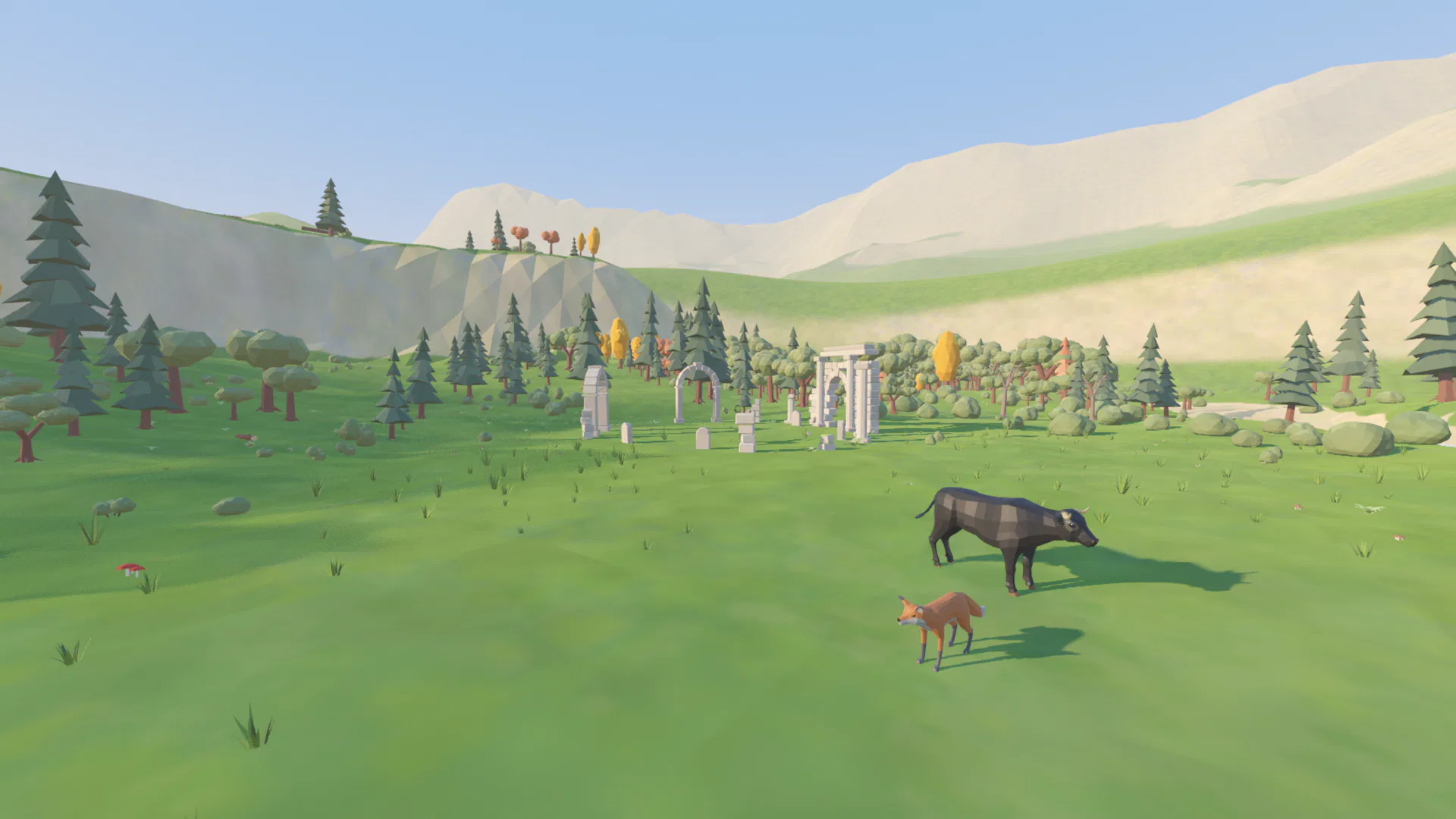
Agents you can see stay agents you control
A terminal per agent works until you have three of them. Then it is tabs you forget, a question that waited an hour for an answer, and a command you never saw run. Here every agent lives somewhere.
-
See who is busy
An agent with a task walks to the ruins and works there. Look across the valley and you know who is on a job without opening anything.
-
Nothing runs behind your back
Every command, file edit and result lands in the work log as it happens. When your approval is needed, the question comes to you, in front of you.
-
Talking takes a step
To give an agent work you walk up to it and press E. You always know which agent you are talking to, and in which folder.
Talk to them like colleagues
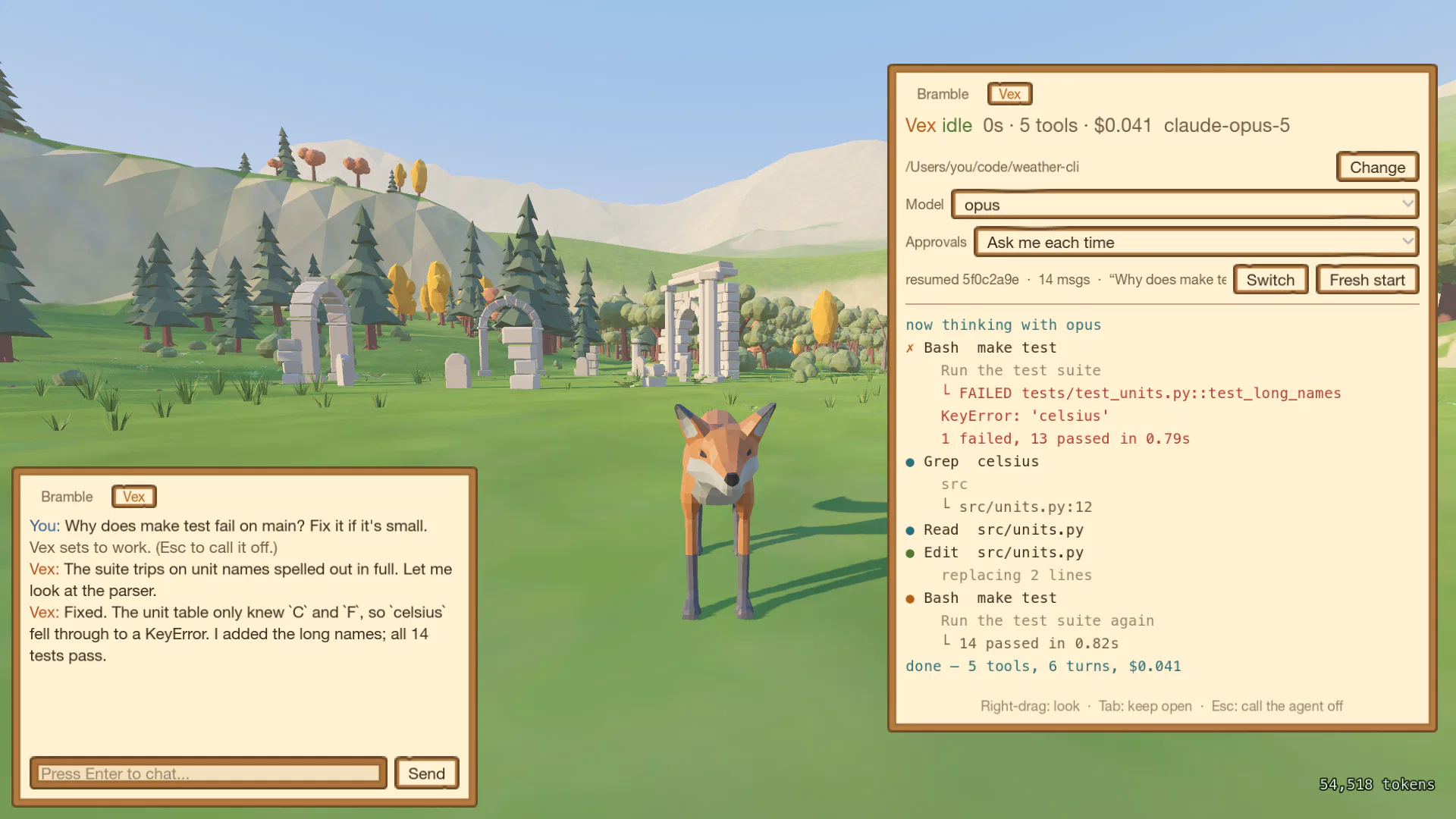
Press E next to an NPC and type. Behind each one is its own Claude Code session, working in a folder you choose.
The chat is the conversation. The work log beside it is the record: every tool call with the command exactly as it ran, the output it got back, and what the turn cost.
Tasks take them to the ruins
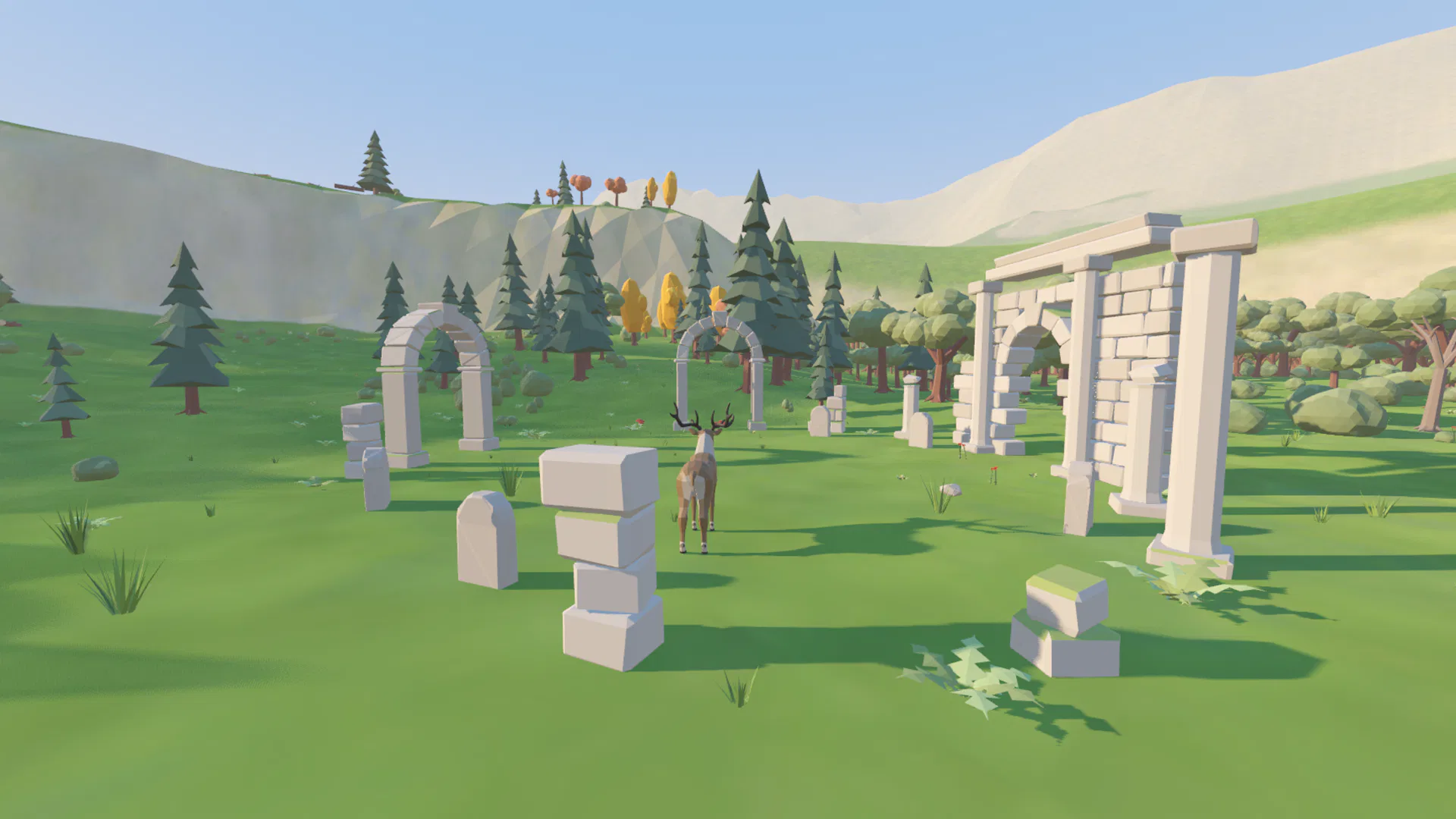
A quick question is answered on the spot. Give an NPC a real task and it walks off to the ring of ruins and works there until it is done, so you can see from anywhere in the valley who is busy.
They work at the same time. Send Bramble off on a refactor and keep talking to Vex.
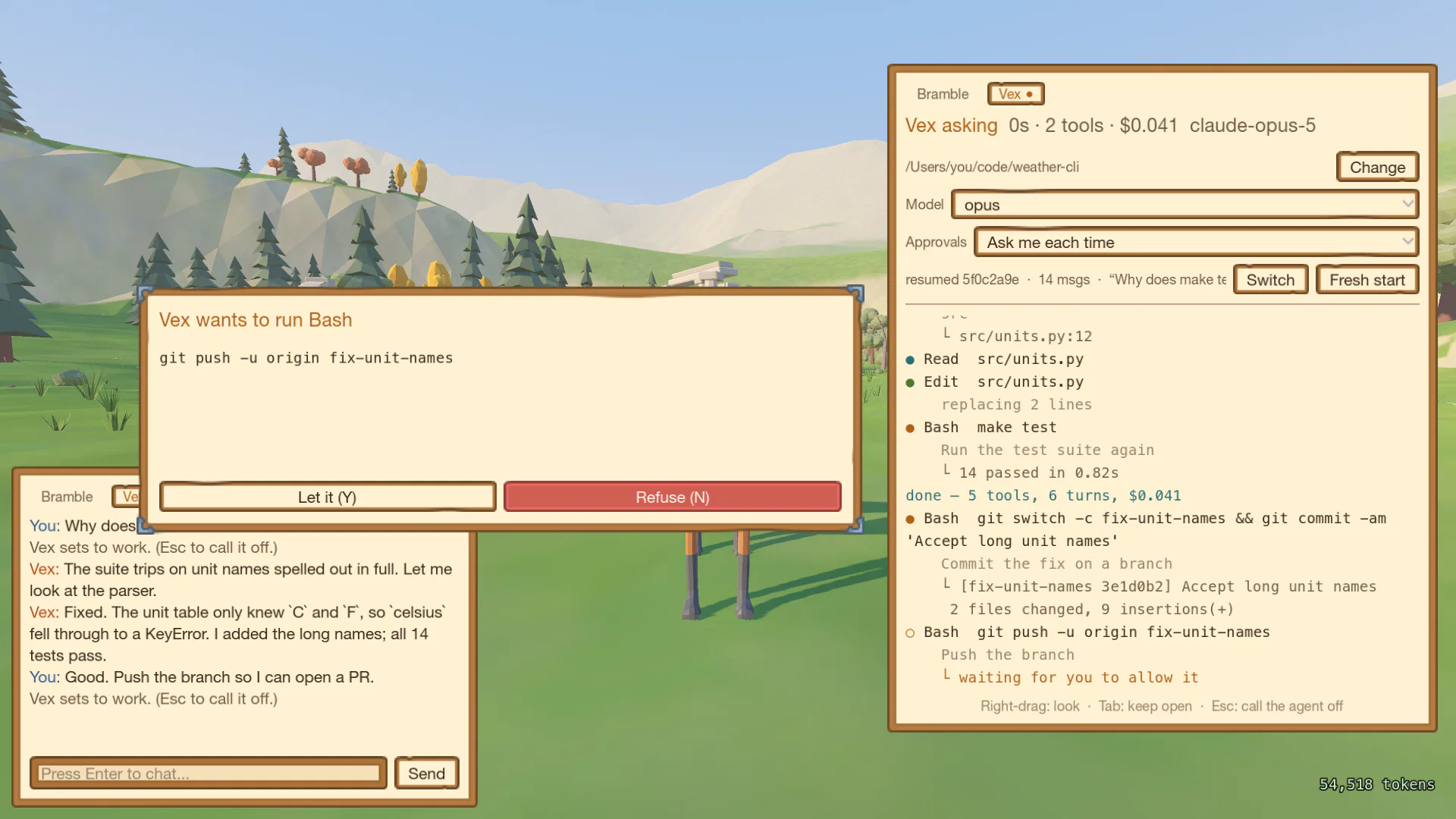
You decide what they may do
Approvals are one setting for the whole valley:
- Auto mode
- Claude Code's own judgement decides, and nothing interrupts you.
- Ask me each time
- Every shell command waits for your Y or N.
- Trust
- Nothing is gated. For folders you can throw away.
Each NPC is its own agent
- Its own folder. Point each NPC at a different project with Change. The choice sticks between sessions.
- Its own model. An expensive model for real work, a quick one for errands. Switching keeps the conversation.
- Its own memory. Sessions are ordinary Claude Code sessions. Quit mid-task and the NPC picks the thread back up next time.
- Tokens you keep. Every token a turn uses is counted, straight from what Claude Code reports, and goes into your wallet. Coming soon Tallow the bull will trade it for customizations of your valley and its agents.
Download
You need
- Claude Code installed, and run once in a terminal to log in. The NPCs work through it, on your plan.
- macOS 11 or later, on Apple Silicon or Intel. Windows 10 or 11, 64-bit. Or 64-bit Linux with Vulkan graphics drivers.
First launch
- macOS
- This build is not notarized yet, so macOS will say it is damaged and cannot be
opened. Clear the download flag once, then open it as usual:
xattr -dr com.apple.quarantine ~/Downloads/Errandwood.app - Windows
- Unzip the folder and run
Errandwood.exe. The build is not signed, so SmartScreen may warn: choose More info, then Run anyway. - Linux
tar xzf errandwood-linux.tar.gz && ./errandwood-linux/errandwood.x86_64
Until you pick a folder for them, the NPCs work in .errandwood in your home
folder. The Windows and Linux builds are new: if something does not work, please say so.
Controls
- WASD, Space
- walk, jump
- Right mouse, held
- look around
- E
- talk to the NPC in front of you
- Enter
- type a message
- Y / N
- answer a permission ask
- Tab
- keep the work log open
- Esc
- call the agent off, leave the conversation, open the menu